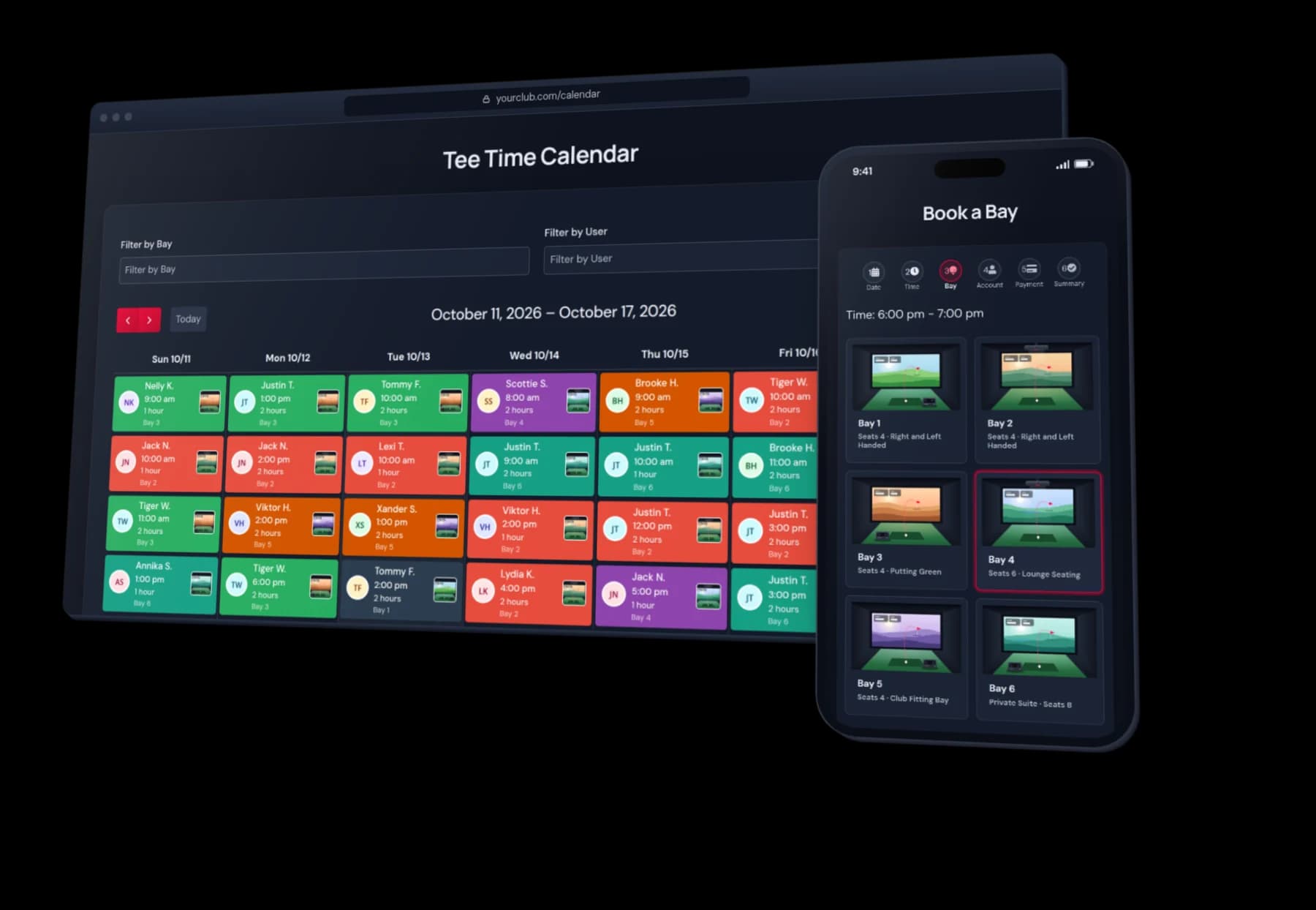
Premium Desktop Add-on
Golf In Club Remote Support
An AI technician for your whole simulator venue. Message it from your phone, or let players ask from the bay, and it checks the screen, restarts what's stuck and puts the game back where it belongs.
Bay 3 · Ready
From the Bay
Players Can Ask for Help
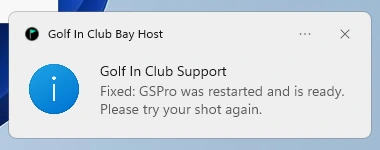
A Golf In Club flag in each bay’s taskbar opens Request Support. Players pick what’s wrong from a short list, and the agent gets to work.
- Tries the safe fixes for that problem on its own
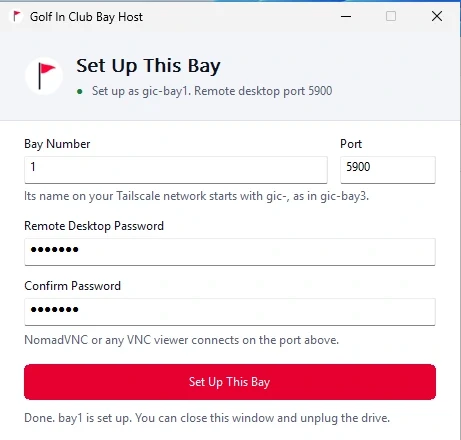
- Tells the player on screen when the bay is ready
- Alerts you when it needs a person
Setup
Simple Setup for Each Bay
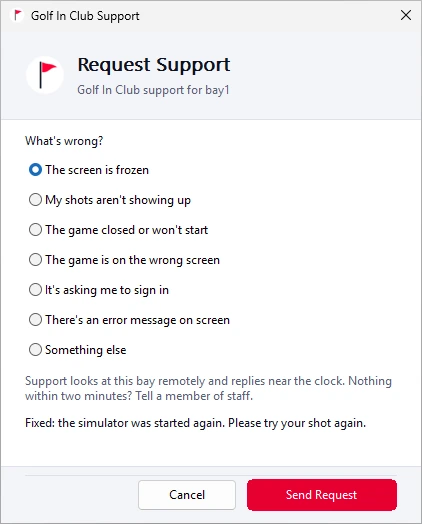
Run the Golf In Club Bay Host, type the bay number and scan two QR codes with your phone. The bay joins your private network, and your account sign-in stays on your phone, never on the bay.
- No accounts or passwords left on the bay
- Joins your own private network
- Remote desktop set up at the same time
How It Works
01
One Initial Setup
We set up the agent with you once, on one computer that stays on, then add each of your bays to it.
02
Ask in Plain Words
“Bay 3 is frozen.” The agent looks at the bay’s screen, its apps, recent crashes and the network before it changes anything.
03
Fix and Note
It restarts what is stuck in the right order, puts the windows back on the right screens, tells the player, and keeps notes for next time.
What You Get
Help Button for Players
Request Support on every bay, so a stuck screen gets fixed even when no one is at the front desk.
Private by Design
Your bays talk only to your own devices over Tailscale, a free private network.
Remote Desktop Built In
See and control any bay from NomadVNC or any VNC viewer, even at the Windows sign-in screen.
One Agent for Your Whole Venue
It learns each bay’s software, start order and window layout, and takes on new jobs as your location grows.
What You Need
Windows bay PCs and a free Tailscale account. The agent uses your existing AI subscription through its own tool, such as Claude Code or Codex CLI, on one computer that stays on (a Windows PC, Mac or Linux computer, or one of your bays) and connects to all of your bays. We set it all up with you.
Get Remote Support
Available to venues that work with Golf In Club. Tell us how many bays you run and which simulators, and we'll reply with pricing and next steps.
Let's Talk About Your Facility
Questions about the plugin, pricing, or a custom integration? We're here to help, and we usually reply within 24 hours.