Skip to content

Documentation

Build Your Booking Page

Prices, peak hours, member discounts and booking rules are all options on one booking form. Set them here and watch the real booking page change. When it looks right, copy the shortcode into WordPress, or send it to us and we will set it up.

Start From

A base rate, with a higher price from 5 PM to 10 PM.

What an hour costs when no other rule applies. Leave it empty and bookings are free: the payment step disappears.

Charge a different hourly price at your busiest times, or a lower one when it is quiet. A booking is priced by the time it starts.

Live preview on sample data. Nothing is booked or charged.

Your Shortcode

[gic_booking pricing="40" peak_pricing="55" peak_ranges="16:59-21:59" email_customer="1"]

Paste it into the WordPress page where bookings should appear. No WordPress? We set it up for you on a hosted site.

Pricing Logic

How a Price Is Worked Out

Every time slot runs through the same four steps, so a day's own settings always win over the general ones.

  1. 01

    Find the Day's Rules

    If that day of the week has its own price or peak periods, they replace the general ones for the day.

  2. 02

    Check the Start Time

    A booking that starts inside a peak period is charged that period's price. Any other booking is charged the base price.

  3. 03

    Apply the Role Discount

    A signed-in customer with a listed role gets that role's discount, as a percentage or an amount off per hour.

  4. 04

    Add Guest Fees

    If the page has a guest fee, each guest adds it to the total.

A Worked Example

One booking page with a weekday rate, an evening peak, and weekends priced on their own:

[gic_booking pricing="40" peak_pricing="50" peak_ranges="16:59-21:59" day_pricing="sat:60,sun:60" day_peak_ranges="sat:07:59-11:59|15:59-19:59" day_peak_pricing="sat:80|90"]
Prices that the example shortcode produces for each day
DayBase PricePeak PriceWhy
Monday to Friday$40$50 from 5 PM to 10 PMThe general price and peak period.
Saturday$60$80 from 8 AM to 12 PM, $90 from 4 PM to 8 PMIts own price and its own peak periods. The general ones are ignored.
Sunday$60$50 from 5 PM to 10 PMIts own price. With no peak periods of its own, it keeps the general one.

Reference

Every Booking Option, Explained

Each option is an attribute on the [gic_booking] shortcode. All of them are optional, and the builder above writes them for you.

Pricing

What a booking costs, and when it costs more.

Base Pricepricing

The hourly price when no other rule applies. Leave it out and bookings are free, with no payment step.

pricing="40"
Peak Pricespeak_pricing

The hourly price during each peak period, in the same order as the periods.

peak_pricing="50,60"
Peak Periodspeak_ranges

When each peak price applies, as 24-hour start and end times. A booking is priced by the time it starts. Each time is written a minute early so periods that meet never overlap: 8 AM to 1 PM is 07:59-12:59.

peak_ranges="07:59-12:59,14:59-22:59"
Day Pricesday_pricing

A different base price on chosen days of the week (mon, tue, wed, thu, fri, sat, sun).

day_pricing="sat:60,sun:60"
Day Peak Periodsday_peak_ranges

Peak periods that replace the general ones on a chosen day. A day's periods are separated with a pipe.

day_peak_ranges="sat:07:59-11:59|15:59-19:59"
Day Peak Pricesday_peak_pricing

The prices for that day's peak periods, in the same order.

day_peak_pricing="sat:80|90"

Members & Roles

Discounts and booking limits for the kinds of customer you choose.

Rolesroles

The customer roles the rules below apply to. Golf In Club adds Member (golf_in_club_member) and Guest (golf_in_club_guest), and any other role on your site works too. Every list below follows this order.

roles="golf_in_club_member,golf_in_club_guest"
Percentage Discountroles_discount_percentage

Percent off for each role. 100 makes bookings free for that role. Use this or the flat discount, not both.

roles_discount_percentage="100,0"
Flat Discountroles_discount_flat

An amount off per hour for each role.

roles_discount_flat="10,0"
Daily Limitroles_bookings_per_day

The most bookings each role can make for one day.

roles_bookings_per_day="2,1"
Monthly Limitroles_bookings_per_month

The most bookings each role can make in a calendar month.

roles_bookings_per_month="10,4"
Active Booking Limitroles_total_booking_limit

The most upcoming bookings each role can hold at once.

roles_total_booking_limit="5,3"
Advance Bookingroles_advance_booking_days

How many days ahead each role can book.

roles_advance_booking_days="14,7"
Role Noticeroles_buffer

The notice each role has to give, in minutes. It takes priority over the general notice below.

roles_buffer="0,30"

Guests

Charge for the people a customer brings along.

Guest Feeguest_fee

A fee for each guest. Setting it adds a guest counter to the booking form.

guest_fee="15"
Guest Counter Labelguest_count_label

Your own wording for the guest counter on this page, also used in the price summary and booking emails. Without it, the label from Settings is used, then “Number of Guests”.

guest_count_label="Guests Joining You"

Spaces & Timing

Which spaces a page offers, and how late a booking can be made.

Spacesbays

Show only these spaces, by ID. Leave it out to show them all. The attribute is always called bays, whatever you call your spaces.

bays="1,2"
Notice Neededbuffer

Minutes between now and the first time that can be booked. It replaces the Booking Buffer set on the dashboard for this page.

buffer="30"
Previous Start Timegic_enable_previous_start_time

Keeps the slot that has just started bookable: at 7:01 PM, the 7:00 PM slot is still on offer. Best with the notice set to 0.

gic_enable_previous_start_time="1"

Emails

Who hears about each booking.

Customer Emailemail_customer

Sends the customer a confirmation email for each booking.

email_customer="1"
Notification Emailsemail

Other addresses that get a copy of every booking made on this page, separated by commas with no spaces.

email="manager@yourclub.com,frontdesk@yourclub.com"

More Shortcodes

The Other Pages on Your Site

Booking is one of five building blocks. The other four are a single shortcode each, placed on a page of their own.

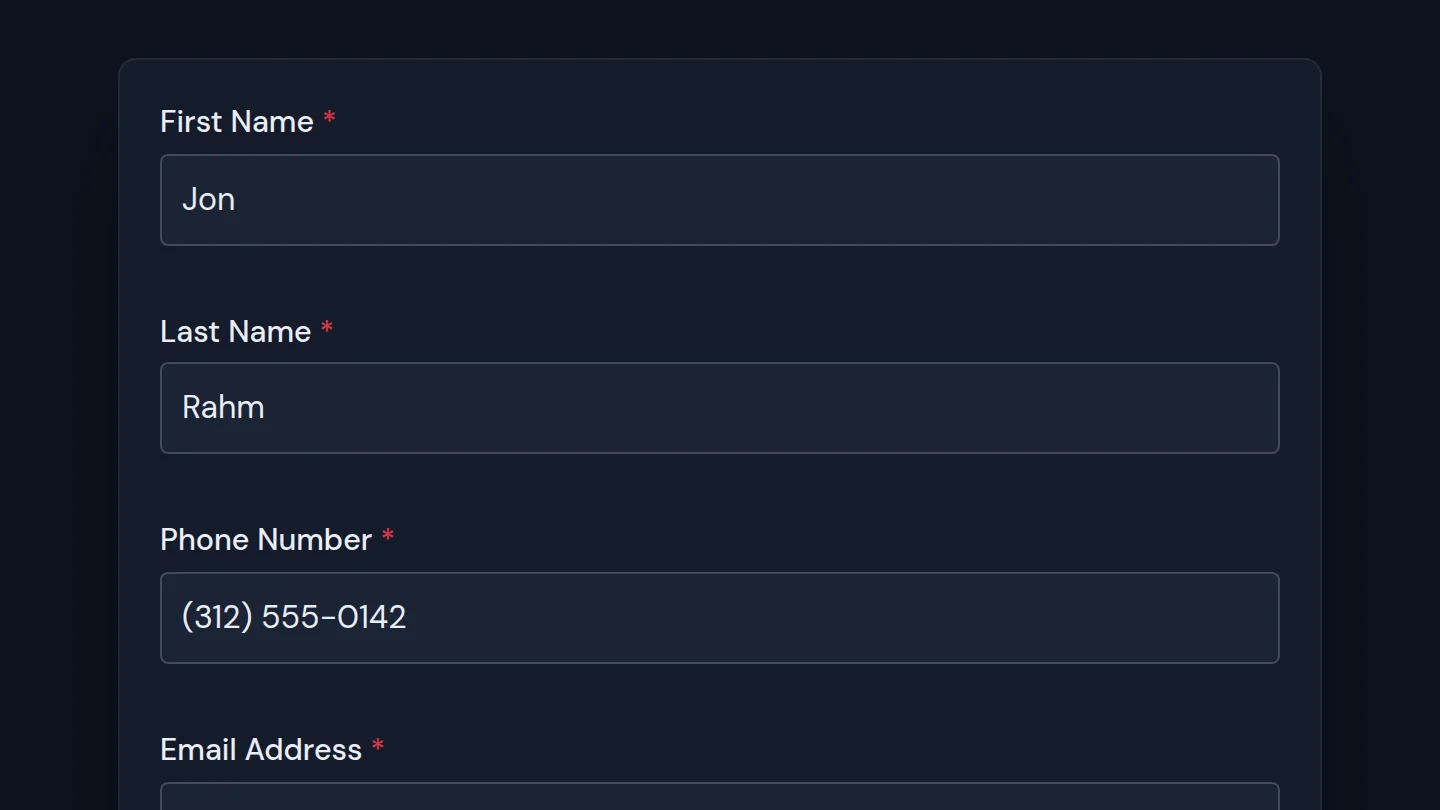
Golf In Club member registration form with name, email and password fields

Member Registration

A sign-up form that creates the customer's account with the role you choose, free or for a one-time fee paid through Stripe.

role
The role given to the new account, such as golf_in_club_member.
price
A one-time registration fee. Leave it out and signing up is free.
redirect
The page to send the customer to once they have signed up.
  • [gic_registration role="golf_in_club_member"]
  • [gic_registration price="99.99" role="golf_in_club_member" redirect="https://yourclub.com/welcome"]
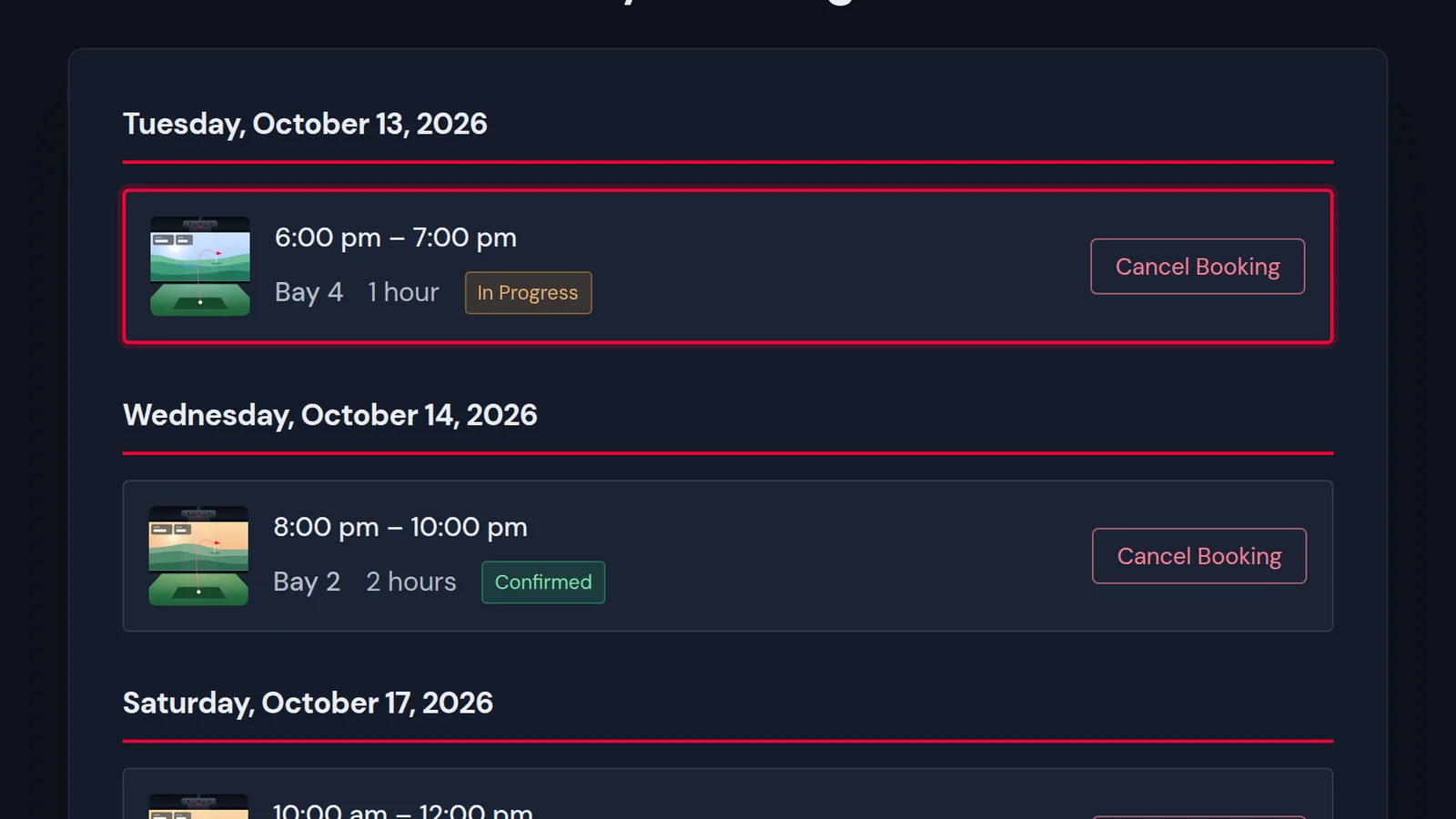
A member's list of upcoming bay bookings with a cancel button on each

My Bookings

The signed-in customer's upcoming bookings, each with the option to cancel.

  • [gic_user_bookings]
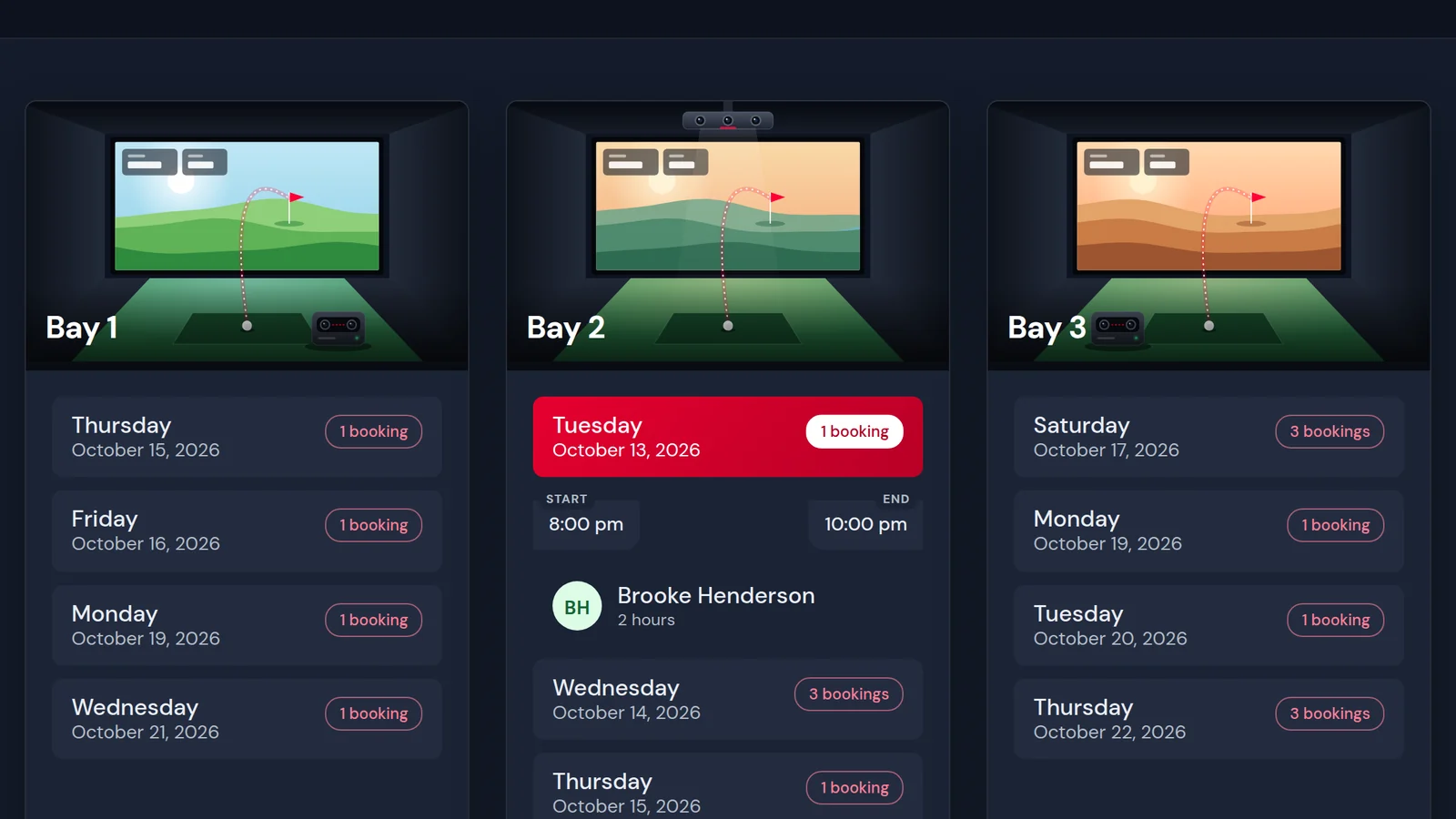
Bay-by-bay schedule showing who is booked into each simulator bay

Who's on the Tee

A space-by-space schedule of current and upcoming bookings. Signed-in customers can cancel their own from here.

days
How many days ahead to show. Without it the schedule shows at least 30.
  • [gic_tee_schedule days="60"]
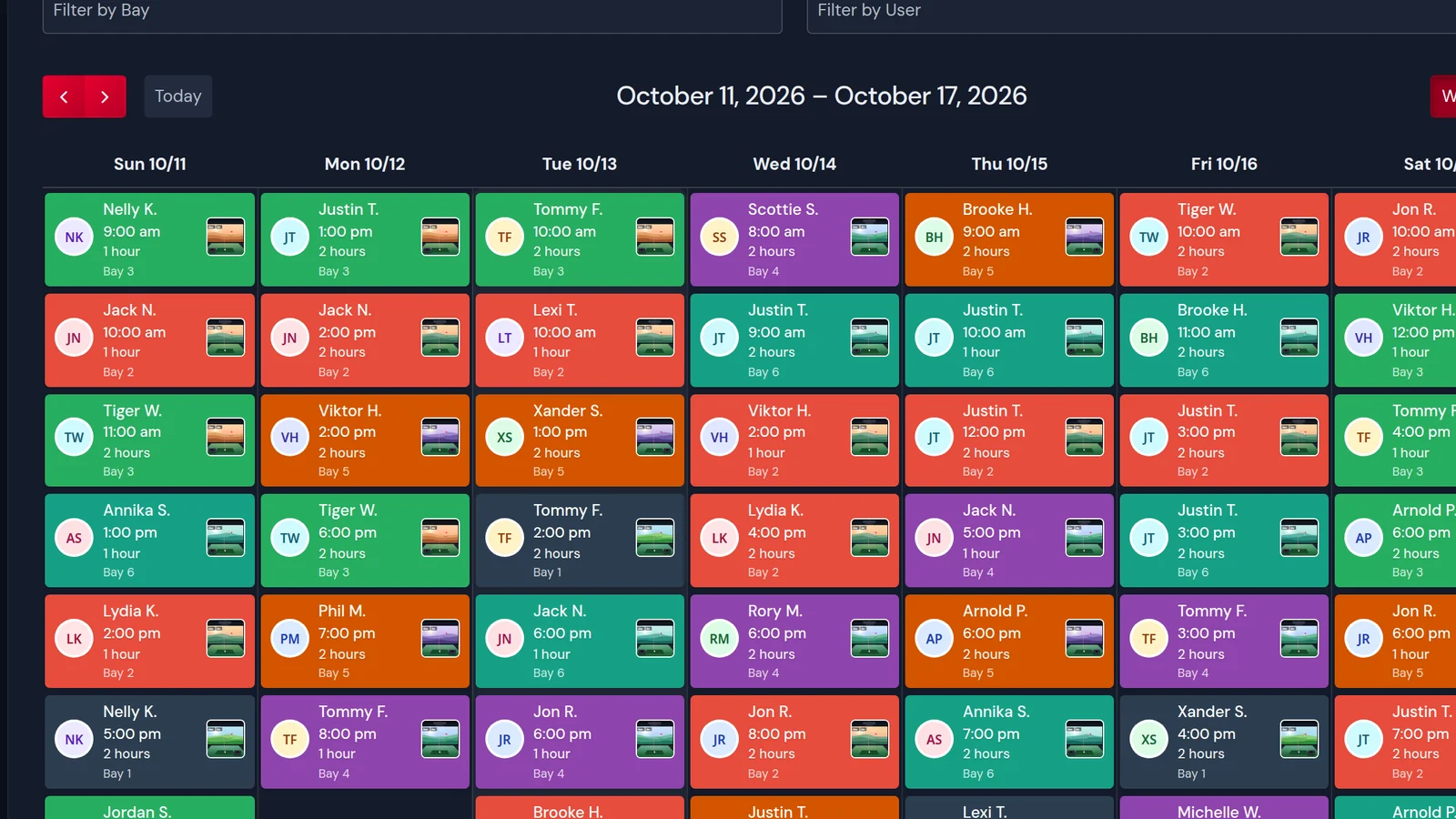
Weekly calendar view of bookings across all simulator bays

Booking Calendar

An interactive calendar of every booking across all of your spaces.

  • [gic_tee_calendar]

Dashboard Settings

Set Once for the Whole Facility

Hours, breaks and limits live on the Golf In Club dashboard rather than in a shortcode, so they hold on every booking page.

Operating Hours
Opening and closing times for each day of the week, set separately for every space.
Break Times
Periods inside opening hours that cannot be booked, for cleaning, maintenance or lunch. Each day and each space has its own.
Open Days
Switch a space off for particular days of the week without touching its hours.
Booking Durations
The session lengths customers can choose from, such as 30, 60, 90 and 120 minutes.
Booking Buffer
The notice every booking needs unless a page or a role sets its own.
Daily Booking Limit
The most bookings one customer can make for a single day.
Total Booking Limit
The most upcoming bookings one customer can hold at once.
Advance Booking
How many days ahead the booking form opens.
Exempt Roles
Roles the limits do not apply to. Administrators are exempt from the start.

Let's Talk About Your Facility

Questions about the plugin, pricing, or a custom integration? We're here to help, and we usually reply within 24 hours.

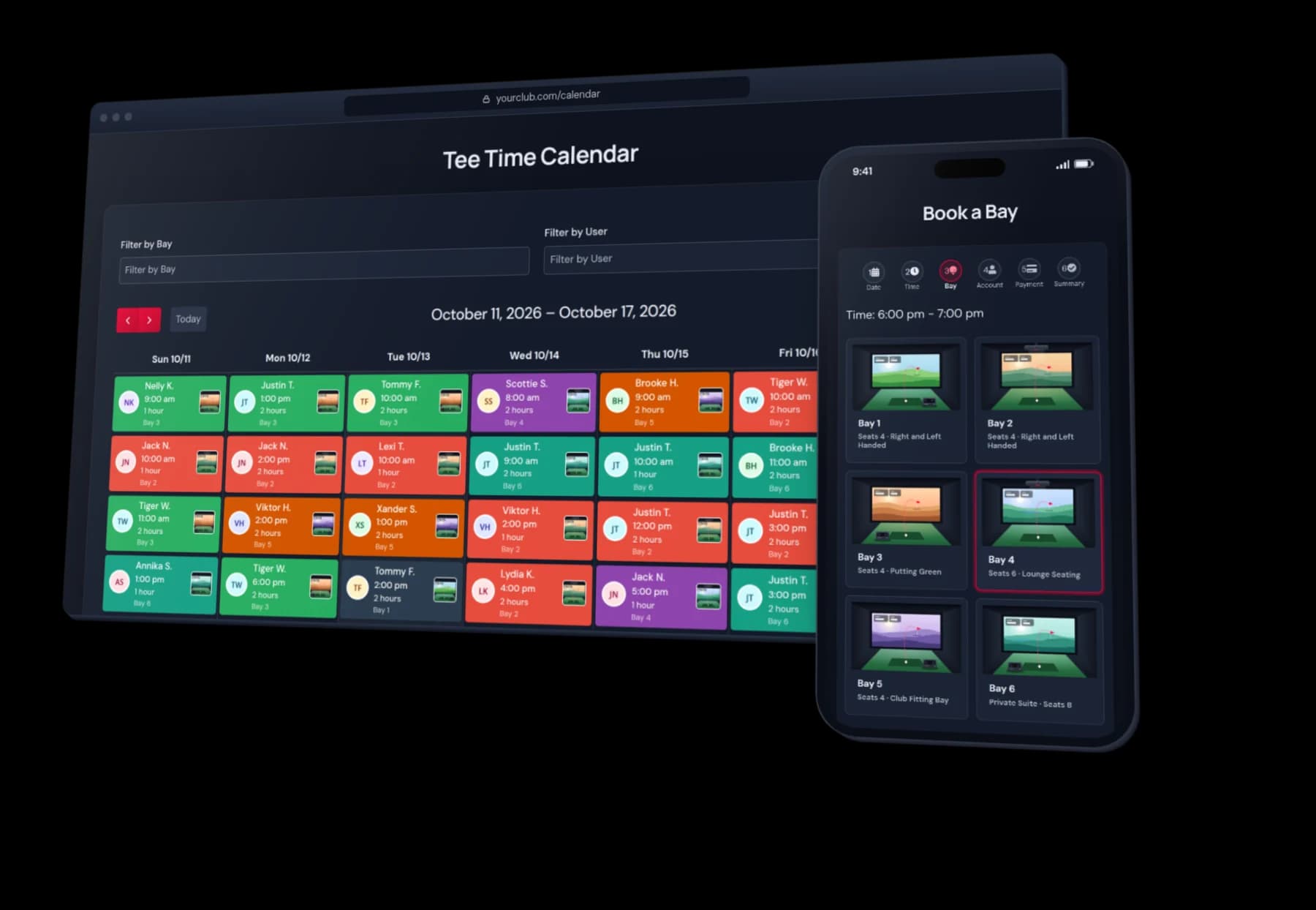
Golf In Club tee time calendar on desktop and the bay booking flow on a phone